Change your ticket answers
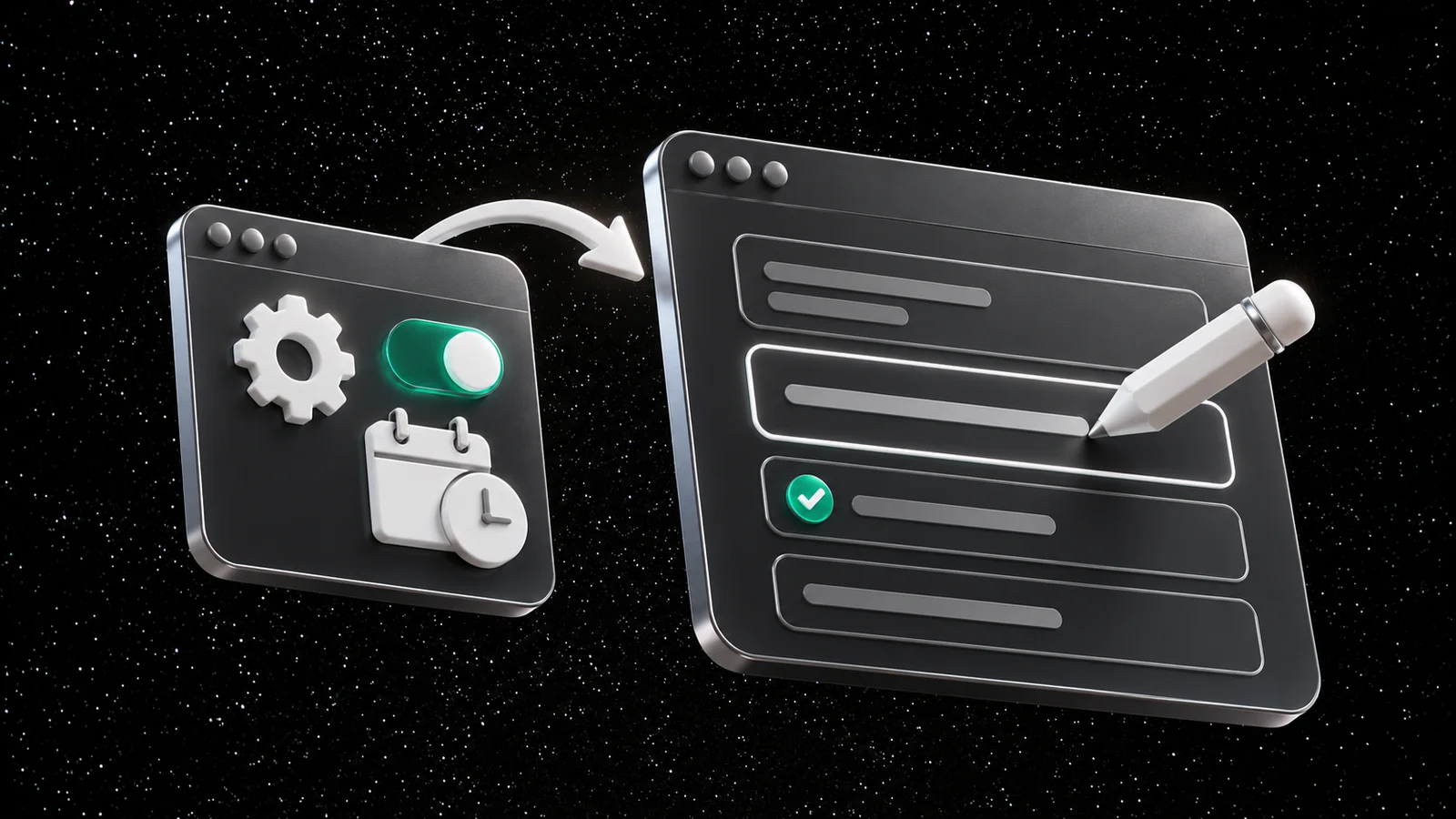
Plans change. Someone becomes vegetarian, a t-shirt size turns out wrong, an allergy was forgotten. Until now, every change meant a message to the organizer. Now ticket holders can change their answers themselves.
For organizers
Answer changes are off by default. Turn them on for each question:
- In Admin, open the event and edit a question on the Info tab
- Under Allow answer changes, turn on Ticket holders can change their answer
- Under Changes allowed until, choose Event starts or Specific date and time
The setting also applies to tickets you've already sold, so you can turn it on for an event that's already on sale. Answers to questions with an additional cost can't be changed by ticket holders.
You see the new answers as soon as a ticket holder saves them.
For ticket holders
- Sign in on orbi.io and open My tickets
- Select the event, and choose Edit answers on your ticket
- Change your answers and select Save answers
Under each question, you'll see until when you can change it. If you've been sent a ticket, you can edit its answers too.
Learn more
© 2026 Ornamental Tree AB
This site is protected by reCAPTCHA