Ticket ads
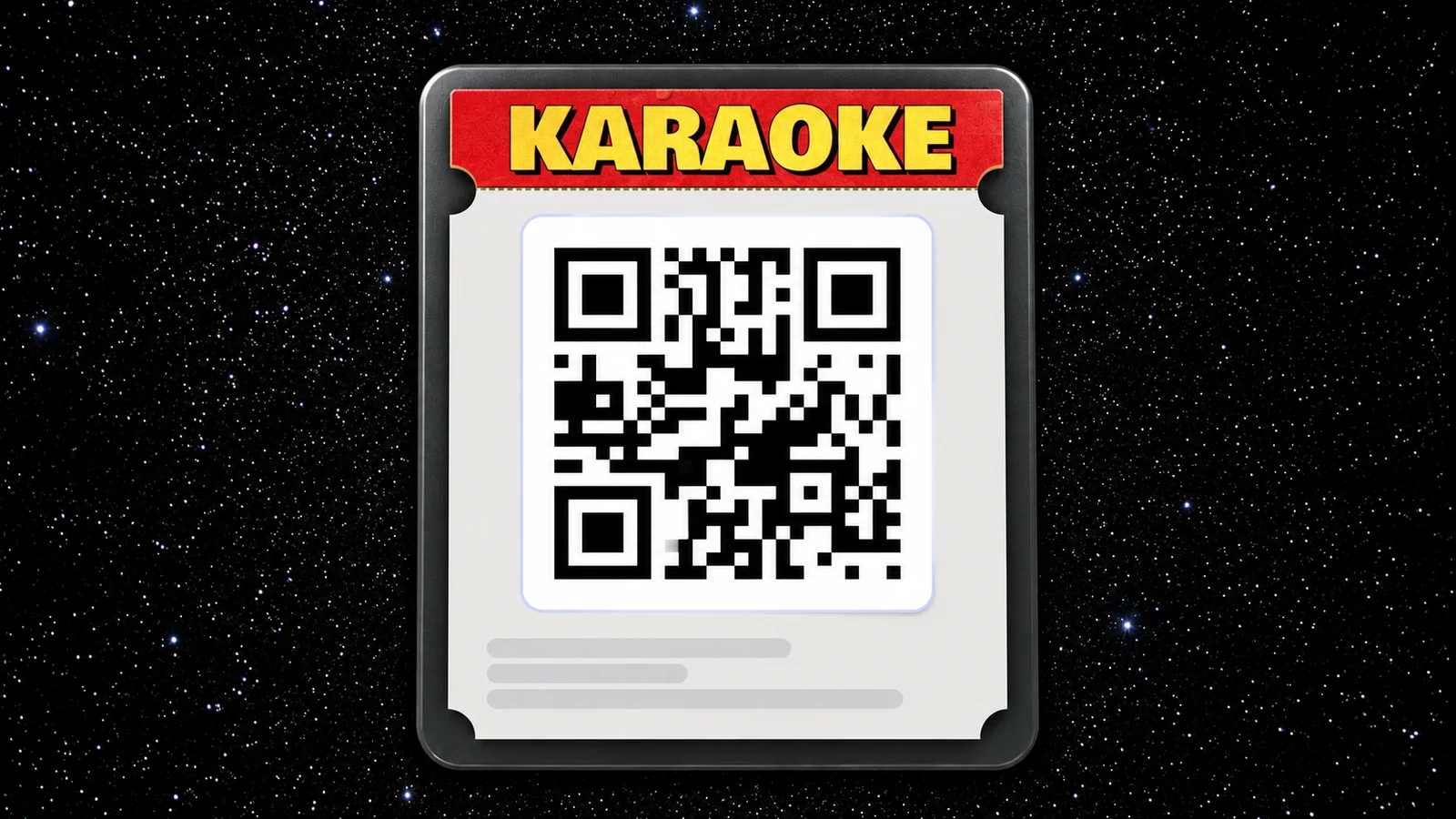
Your attendees open their ticket at the door, and often before. With ticket ads, you can show something there: a thank-you to your sponsor, the afterparty, or the next event.
How it works
Add an image to your event, and it appears above the QR code on every ticket for that event, on orbi.io and in the Orbi app. Add a link and attendees can tap the image to open it.
Add a ticket ad
- In Admin, go to Events and open the event
- On the Info tab, find Ticket ad and select Add
- Select an image. Use JPG, PNG or WebP in a 32:5 ratio. We recommend 960 × 150 px.
- Optionally, add a URL to open when the image is tapped
- Select Save
Use Preview to see how the ad looks on the ticket before you save. You can change or remove the ad at any time, and the change applies to all tickets for the event, including tickets already sold.
© 2026 Ornamental Tree AB
This site is protected by reCAPTCHA