Share with a QR code
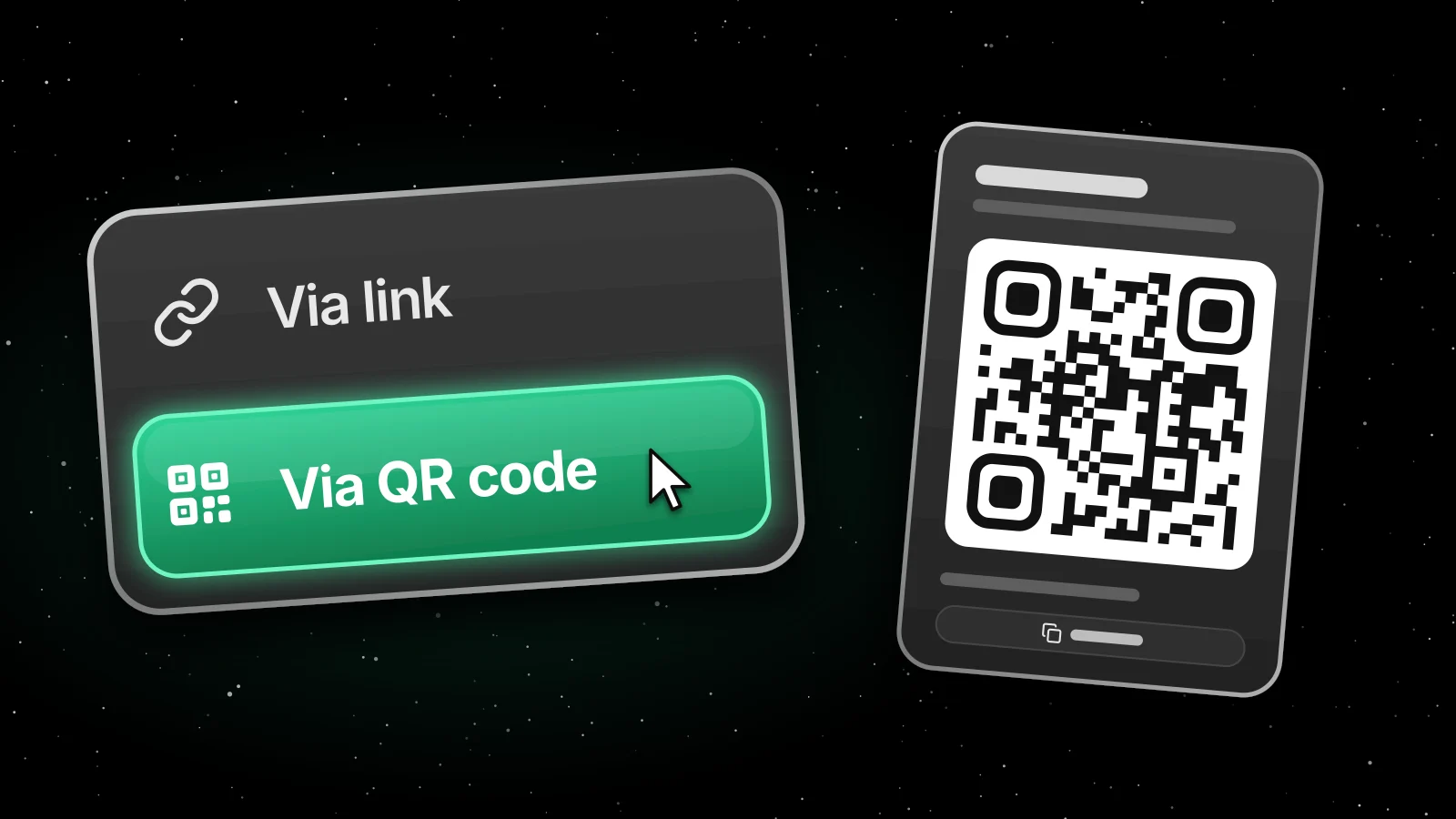
A link is great in a group chat, but it doesn't work on a poster, a flyer or a slide in a lecture hall. Now you can share with a QR code instead. Anyone who scans it with their phone camera goes straight to the page.
What you can share
- Events
- Organization pages
- Albums
- Memberships
- Discounts
How it works
- Open the event, organization page, album, membership or discount on orbi.io or in Admin.
- Select Share.
- Choose Via QR code to show the code, or Via link to copy a short link.
The QR code opens the same page as the link. Take a screenshot of it to add it to your poster, flyer or slides. You can also select Copy link under the code.
In Admin, you'll also find Via link and Via QR code in the ... menu on your albums, memberships and discounts.
Good to know
- Only published events and albums can be shared.
- Invite-only memberships can't be shared.
- On a phone, Share is shown as an icon.
Learn more
© 2026 Ornamental Tree AB
This site is protected by reCAPTCHA